

Paying your Bill with our App
Paying your bill with our Mobile App is quick and easy!
Step 1 – Download the App
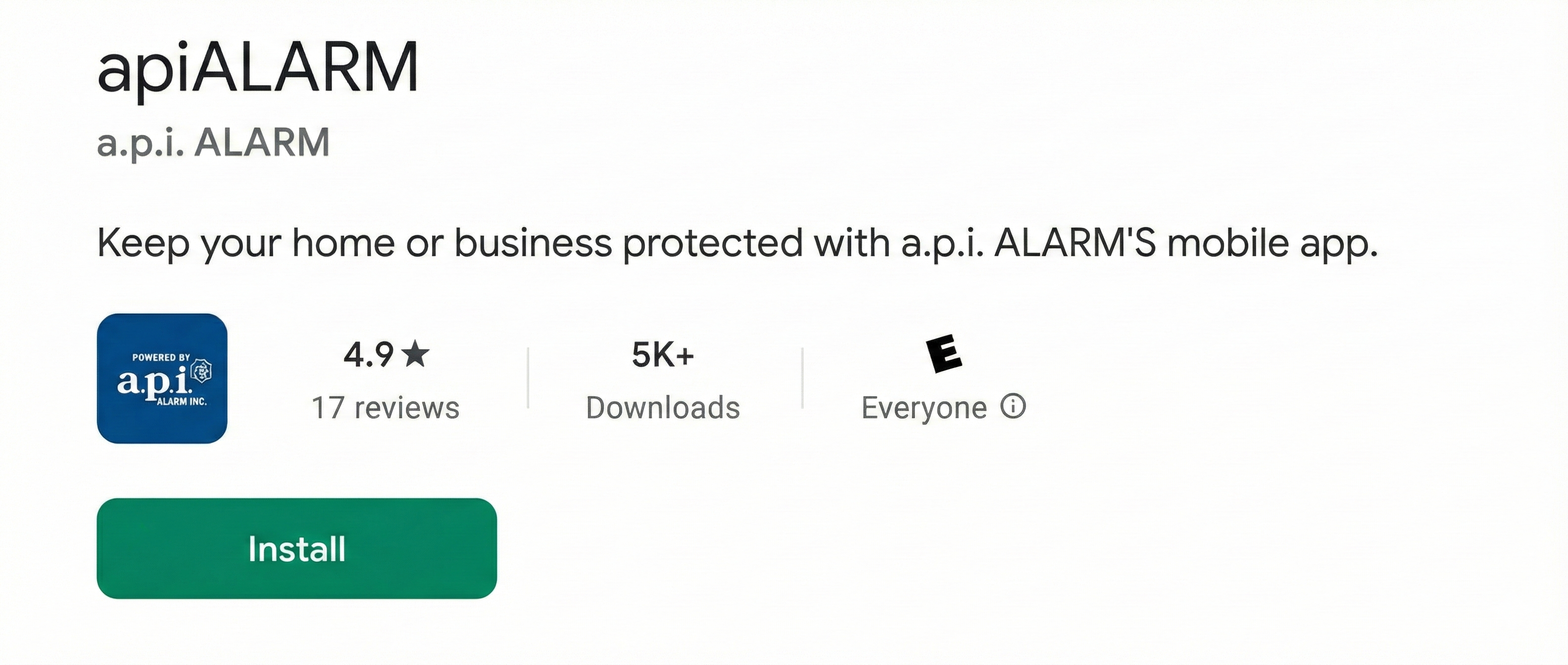
Get the apiAlarm App from the App Store or Google Play Store.
 |
 |
Step 2 – Login if you are currently a smart home user.
Make sure you have downloaded our version of the smart home app linked above and then use the same credentials to sign in.
Step 3 – View Your Invoices
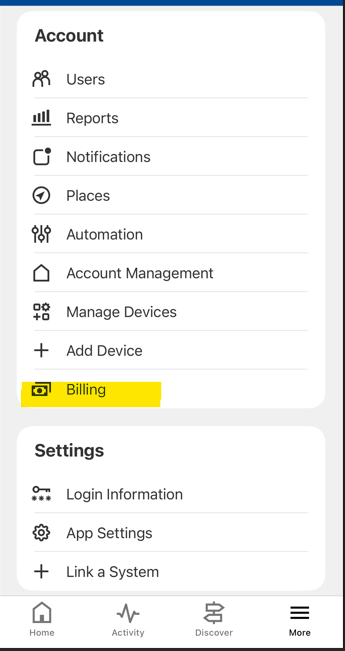
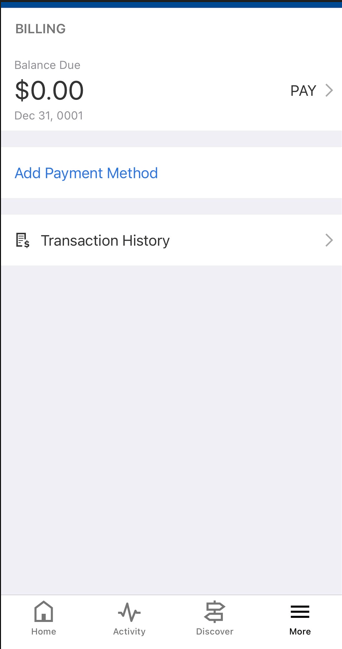
Go to the Billing section to see your outstanding balance and pay.
 |
 |
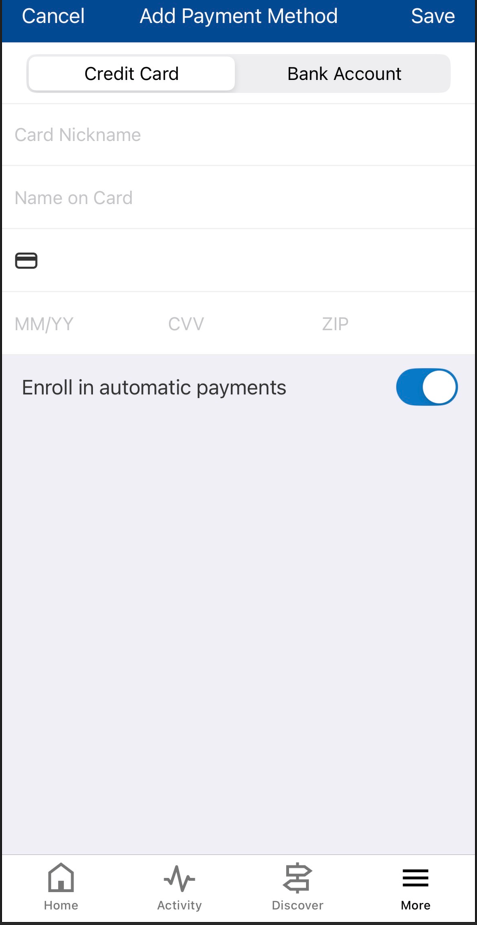
Step 4 – Add Payment Method
Choose your preferred payment method and complete your payment securely.
We highly recommend setting up Auto Bill Pay for a hassle-free experience.




"*" indicates required fields