

Paying your Bill Online
Paying your bill online is quick and easy!
Step 1 – Registering your account in our Customer Portal
Log on to a.p.i. Payment Portal and you can set up your credit card or bank draft to automatically pay your monitoring or other cycle invoices.
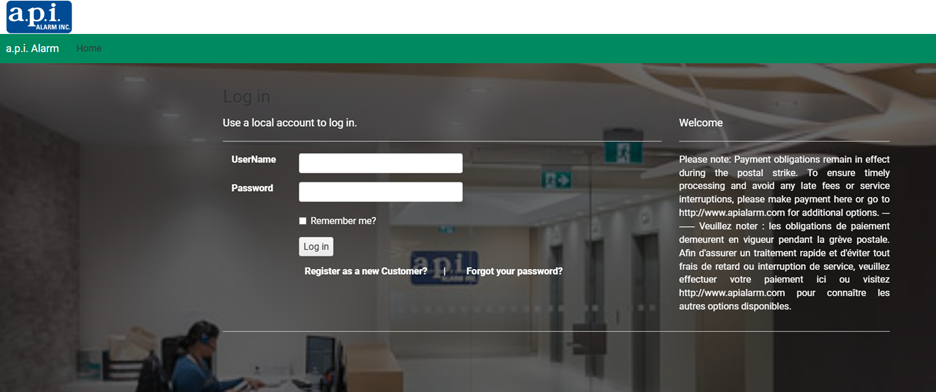
Once you click the link, you’ll be directed to the login page.
If you already have an account, enter your User ID and Password to proceed.
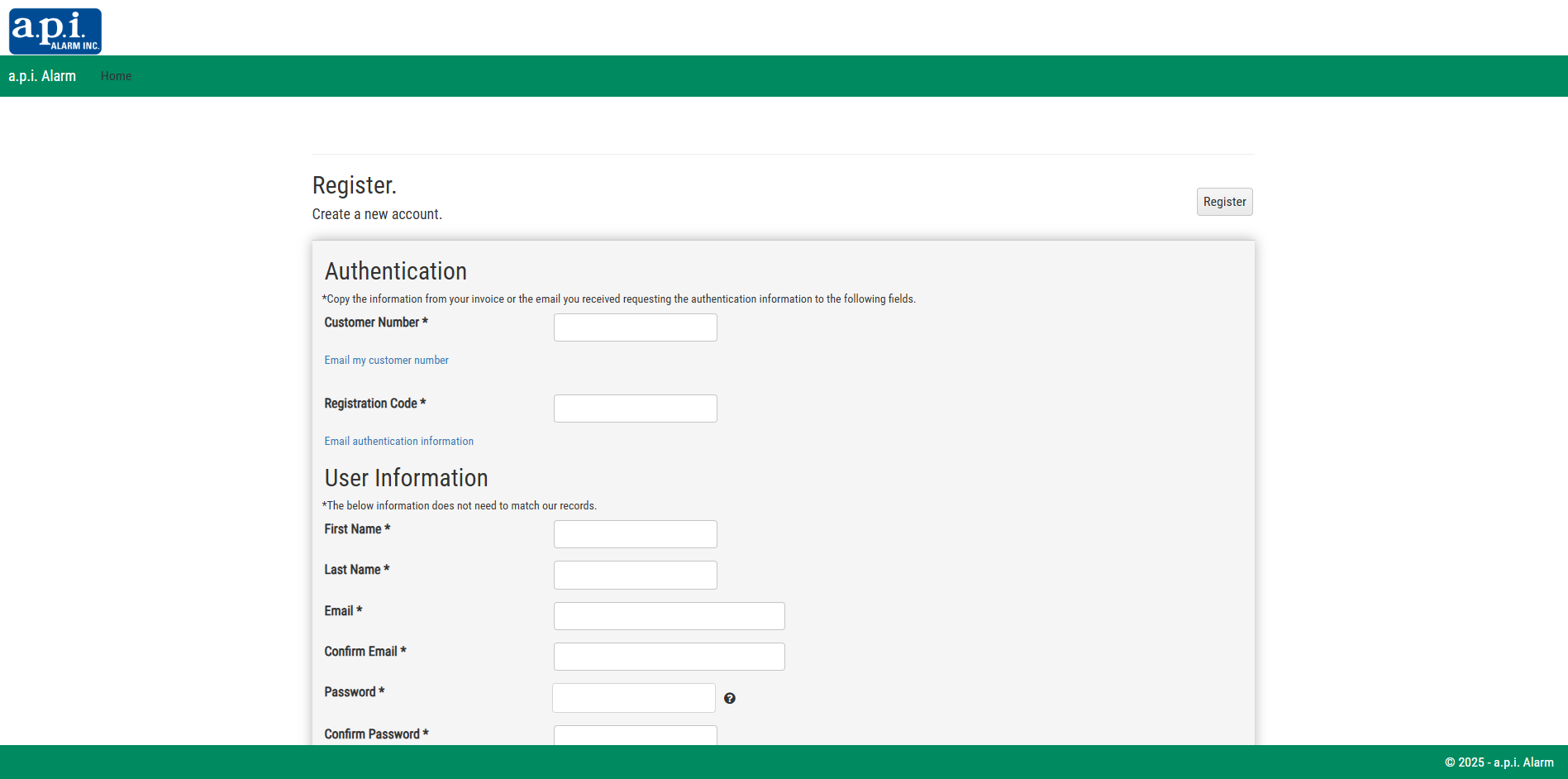
If you’re a new user, select Register as a New Customer and follow the steps to set up your account.
Pay careful attention to entering your customer number an ensure to include the hyphen/dash.
After entering your customer number, enter your registration code.
Your registration code is available in the email you receive containing your invoice.
If you do not have your registration code: Visit “Email Authentication Information“, complete the form, and the registration code will be emailed to you.
After entering your customer number and registration code, proceed with completing the remainder of the form and click “Register” at the top right of the form.
Step 2 – Adding your Credit Card or Banking Information for Automatic Payments
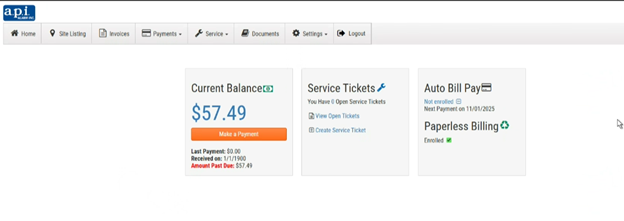
Once you’re in the portal, you can view your outstanding invoices, set up Auto Bill Pay for a simple, worry-free payment experience, and choose paperless billing by adding your email address.




"*" indicates required fields